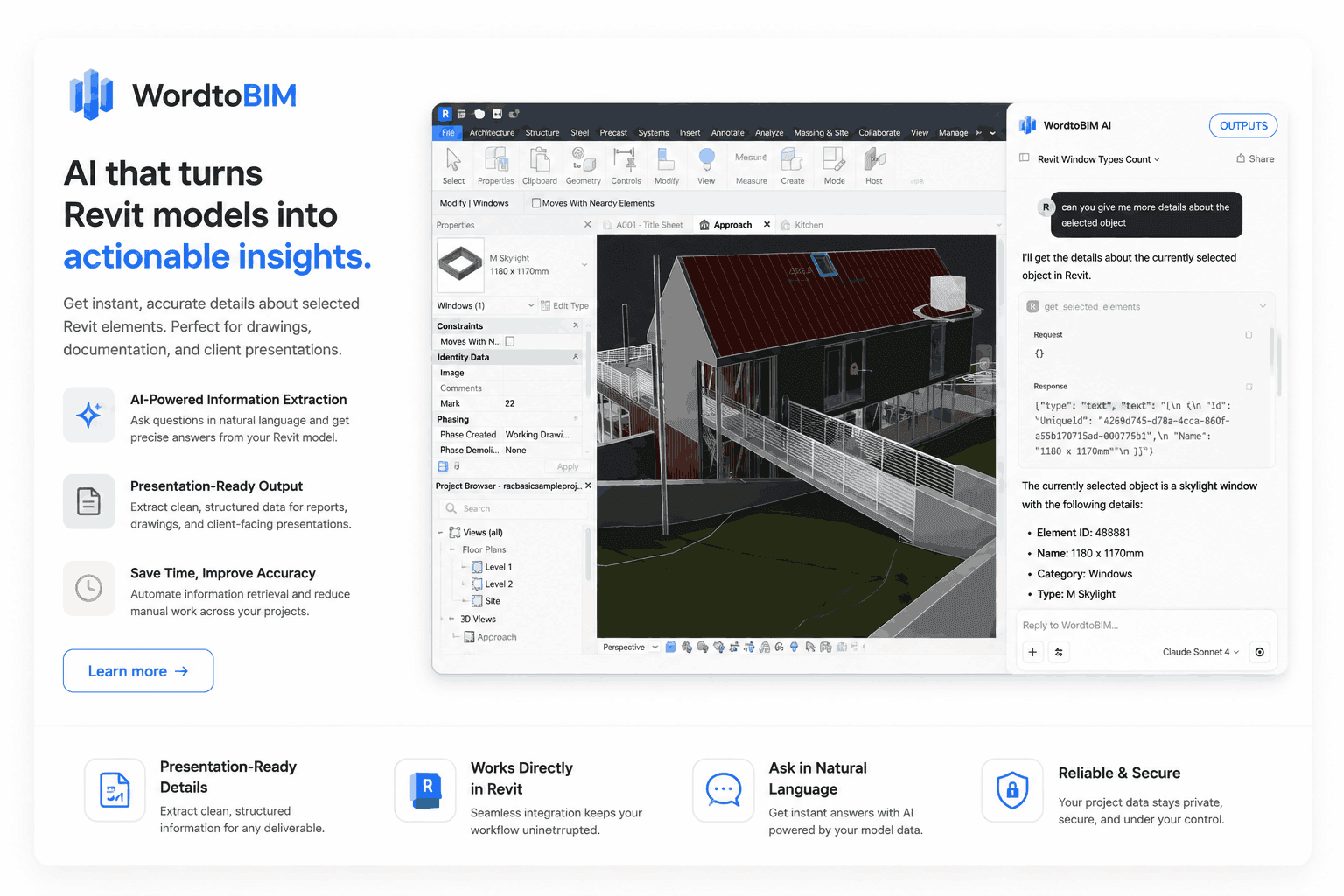
WordToBIM: Model Revit Elements with Natural-Language Prompts

Concolabs Editorial
Concolabs Editor

Introduction
- Explain the repetitive element-placement work BIM modellers perform.
- Introduce prompt-based modeling inside an active Revit session.
- Explain that WordToBIM uses each firm’s families, naming rules, and design standards.
- Clarify that CAD and BIM experience remain valuable for validation and detailing.
- Link only to the WordToBIM product page.
Key Takeaways
- WordToBIM runs as a panel inside Revit.
- Inputs include text prompts, hand-drawn sketches, and 2D drawing references.
- It places native elements using the firm’s Revit families.
- It supports compliance checks and automatic schedule updates.
- Pricing starts at USD 100 per month for a company subscription.
What Is WordToBIM?
Define WordToBIM as an AI-assisted Revit plugin that can:
- Interpret natural-language instructions
- Read hand-drawn sketches
- Reference 2D drawings
- Match requested geometry with firm-specific families
- Generate native Revit elements
- Update elements through follow-up prompts
- Run jurisdiction-specific compliance checks
- Generate schedules
- Hand model information into estimating and field workflows
What Problem Does WordToBIM Solve?
Discuss repetitive tasks such as:
- Placing families
- Drawing basic geometry
- Entering parameters
- Recreating elements from sketches
- Completing 2D-to-3D detailing
- Checking planning rules in another application
- Updating schedules after model changes
Explain that the aim is to reserve modeller time for detailing, coordination, and professional judgment.
How Does WordToBIM Work Inside Revit?
Step 1: Provide the input
Users can:
- Write a natural-language prompt
- Upload a hand-drawn sketch
- Reference a 2D drawing
- Work inside the active Revit session
Step 2: Analyze the model context
The AI parser reviews:
- Active coordinates
- Workspace parameters
- Architectural context
- Existing model conditions
- Project conventions
Step 3: Match the firm’s Revit families
- Select the relevant family.
- Apply the firm’s naming convention.
- Use configured parameters.
- Follow design standards established during deployment.
Step 4: Generate native elements
- Create geometry directly in Revit.
- Use project coordinates and model context.
- Place elements that remain editable.
Step 5: Validate compliance and schedules
- Run planning-code checks.
- Return a pass or fail result.
- Show the applicable clause reference.
- Update project schedule sheets.
Step 6: Hand information into later workflows
- Synchronize through Autodesk Construction Cloud or local Revit files.
- Connect the model with Revit-to-BOQ processes.
- Support downstream site-measurement workflows.
What Can Users Ask WordToBIM to Do?
Example prompt categories:
- Create a wall using a specified family.
- Place a slab with a defined thickness.
- Move an element by a set distance.
- Change an existing parameter.
- Complete missing geometry from a sketch.
- Check a design against an active planning rule.
- Update schedules after adding elements.
The article will label examples as illustrative unless they appear verbatim on the product page.
How Does Follow-Up Prompting Work?
Use the published examples:
- “Move it 500mm north.”
- “Change the slab thickness to 250mm.”
Explain how conversational refinement differs from generating static geometry. The model remains inside Revit, allowing users to inspect, edit, coordinate, and approve each change.
How Does Firm-Specific Customization Work?
WordToBIM is configured around:
- Revit family libraries
- Naming conventions
- Default parameters
- Design standards
- Planning codes
- Schedule structures
- Regional requirements
Explain why this matters: generic geometry creates additional remapping work, while firm-specific elements can fit an established project pipeline more closely.
Which Planning Codes Can WordToBIM Check?
The product page lists coverage for:
- UAE
- Sri Lanka
- Saudi Arabia
- United Kingdom
- Australia
Explain that compliance scope should be confirmed by jurisdiction, authority, code edition, building type, and rule category. Automated checks should support, not replace, professional regulatory review.
What Inputs and Outputs Does WordToBIM Support?
| Area | Published capability |
|---|---|
| Text input | Natural-language prompts |
| Visual input | Hand-drawn sketch photo or scan |
| Drawing input | 2D drawing reference |
| Modeling environment | Active Revit session |
| Model output | Native Revit elements |
| Collaboration | Autodesk Construction Cloud or local Revit |
| Validation | Planning-code checks with clause references |
| Documentation | Automatic schedule updates |
| Handoff | Estimating and site workflows |
How Much Does WordToBIM Cost?
According to the WordToBIM page:
| Plan | Published price | Included |
|---|---|---|
| Company subscription | USD 100 per month | Unlimited firm seats and full plugin access |
| One-off licence | USD 4,800 | Deployment, family training, planning-code integration, standards configuration |
| Maintenance after year one | USD 100 per month | Ongoing maintenance and updates |
| Multi-firm or enterprise | Custom | Multiple offices, white-labeling, or resale |
The page lists approximately one week plus custom training for implementation.
Who Is WordToBIM Best For?
- BIM modellers
- Architects
- Revit-based design practices
- Firms with established family libraries
- Teams repeating standard element workflows
- Practices operating across multiple planning jurisdictions
What Should Teams Test During a Demonstration?
- Connect a representative family library.
- Run simple element-generation prompts.
- Test follow-up modifications.
- Upload a real hand-drawn sketch.
- Reference a typical 2D drawing.
- Review coordinates and parameters.
- Test schedule updates.
- Check one applicable planning requirement.
- Examine Autodesk Construction Cloud synchronization.
- Measure cleanup and validation time.
- Confirm supported Revit versions.
- Review permissions, data handling, and maintenance.
Frequently Asked Questions
Can non-architects use WordToBIM?
WordToBIM uses natural-language prompts, which can make element creation more accessible. However, Concolabs recommends CAD experience, and the product is designed primarily for BIM modellers and architects. Non-architects should not approve design, structural, or compliance decisions without review from an appropriately qualified professional.
Does WordToBIM handle complex geometry?
The plugin can interpret geometry instructions, sketches, and 2D references, then match them to configured Revit families. Complex or unique forms may require detailed prompts, custom families, and manual refinement. Buyers should test their most difficult recurring geometry during a demonstration rather than assuming every form can be generated automatically.
Can we integrate planning data for our specific market?
Yes. The one-off licence includes planning-code integration, and the product page lists UAE, Sri Lanka, Saudi Arabia, UK, and Australia coverage. Firms should confirm the applicable jurisdiction, authority, code edition, and rule scope. Local professionals should review compliance results before relying on them for approvals.
Can we refine the model in Revit afterward?
Yes. WordToBIM creates native elements inside the active Revit session. Users can refine them with follow-up prompts or standard Revit tools. Teams should inspect geometry, coordinates, families, parameters, joins, schedules, and compliance results before using generated elements for coordination, quantities, documentation, or construction.
How long does model generation take?
Concolabs describes element generation as occurring in seconds. A complete model will take longer depending on scope, geometry, input quality, family matching, compliance checks, and review. Buyers should distinguish individual element-generation time from the total time required to produce, verify, coordinate, and approve a full model.
Does WordToBIM replace BIM modellers?
No. The product is intended to reduce repetitive input while leaving detailing, coordination, and judgment with the modeller. Skilled professionals still define standards, review generated geometry, resolve unusual conditions, coordinate disciplines, assess compliance, and approve information before it is used downstream.
Conclusion
- Summarize prompt-to-element modeling.
- Reinforce firm-specific configuration and native Revit output.
- Emphasize professional verification.
- CTA: book a WordToBIM demonstration.