Planning Law Chatbot: Faster Answers for Early Site Feasibility

Concolabs Editorial
Concolabs Editor

Introduction
- Explain why planning checks often slow early property decisions.
- Introduce the Planning Law Chatbot as a feasibility-support tool.
- State that users enter a plot location to retrieve relevant development information.
- Explain that outputs support early assessment rather than replacing formal professional or regulatory approval.
Key Takeaways
- Enter a plot location to begin the planning check.
- Review permitted use, height, floor-area, and sanitary requirements.
- Generate a formatted feasibility PDF for client discussions.
- Verify important findings before purchasing land or submitting an application.
What Is the Planning Law Chatbot?
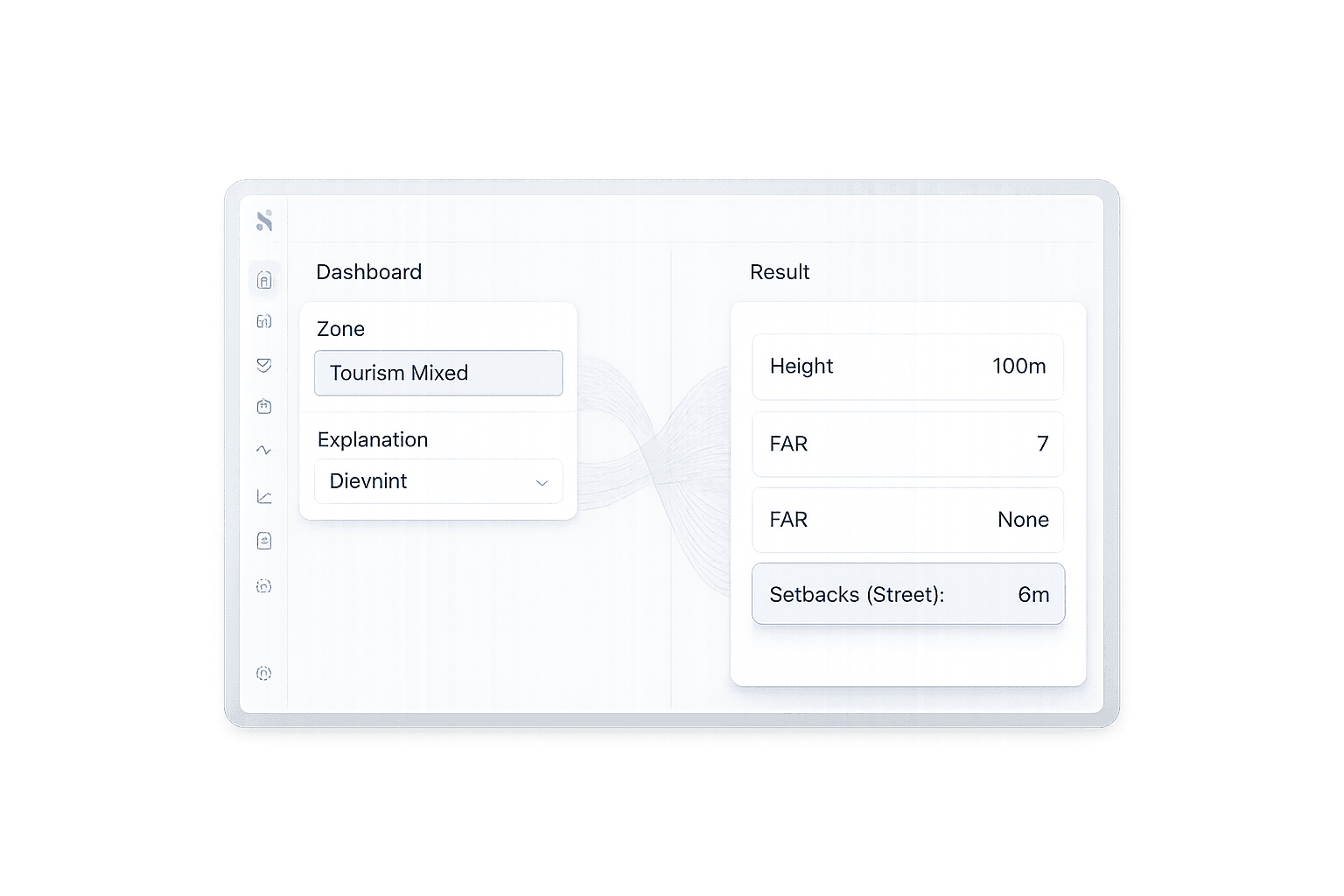
The Planning Law Chatbot is a Concolabs construction-technology product for early site-feasibility research. According to the Concolabs product catalogue, it can return information about allowable use, maximum height, floor area ratio, and sanitary requirements after a user enters a plot location.
Cover:
- Product purpose
- Current “Scaling” status
- Intended role during feasibility
- Supported professional workflows
- Difference between an initial planning check and formal approval
What Problem Does It Solve?
- Planning information may be spread across regulations, guidance, maps, and government documents.
- Architects and developers may need answers before deciding whether to purchase or design for a site.
- Manual checking can delay client conversations.
- Early uncertainty can affect land acquisition, design scope, and cost planning.
Link to the Concolabs real-estate developer suite.
How Does the Planning Law Chatbot Work?
Step 1: Enter the plot location
- Identify the proposed development site.
- Explain why accurate location information matters.
Step 2: Retrieve the relevant planning requirements
The product page describes outputs covering:
- Allowable use
- Maximum building height
- Floor area ratio
- Sanitary requirements
Step 3: Review the feasibility findings
- Identify potential development constraints.
- Flag questions that need deeper professional review.
- Avoid treating an automated result as final permission.
Step 4: Generate the feasibility PDF
- Produce a formatted document.
- Use it during internal or client discussions.
- Retain it as an early-stage decision record.
Who Is the Planning Law Chatbot For?
| User | Potential use |
|---|---|
| Architects | Check early design constraints |
| Real-estate developers | Assess sites before acquisition |
| Contractors | Understand high-level development limitations |
| Planning consultants | Accelerate preliminary research |
| Quantity surveyors | Support early cost and feasibility discussions |
| Property investors | Identify questions before due diligence |
The Concolabs architects suite and developer suite position the tool primarily for architecture and development workflows.
Which Planning Questions Can It Help Answer?
- What type of development may be permitted?
- How tall could the building be?
- What floor area ratio applies?
- Which sanitary requirements may influence the proposal?
- Is the initial development concept worth investigating further?
- What information should be discussed during the first client meeting?
Clarify that exact coverage may depend on location and available regulatory data.
What Are the Main Benefits?
Faster early-stage research
Users can begin with a plot location rather than manually reviewing several information sources.
Better first meetings
A structured feasibility output can help clients and consultants discuss constraints using the same information.
Earlier risk identification
Height, use, density, or sanitary requirements may affect whether a concept is practical.
Documented feasibility findings
The formatted PDF creates a reviewable record of the preliminary assessment.
Connection to later project stages
The findings can inform design, cost planning, and project evaluation within the wider Concolabs construction platform.
What Are the Product’s Limitations?
Provide a balanced section:
- Automated results depend on source-data availability and accuracy.
- Planning rules may change.
- Local interpretation may require professional judgment.
- Site-specific overlays or exceptions may need separate review.
- A feasibility report is not the same as planning permission.
- Users should verify consequential decisions with the relevant professionals and authorities.
- Geographic availability should be confirmed before purchase.
How Does It Fit into a Construction Workflow?
- Identify a potential site.
- Run the preliminary planning check.
- Review allowable use, height, density, and sanitary constraints.
- Discuss findings with the client.
- Investigate exceptions or unclear requirements.
- Prepare an early concept.
- Connect feasibility findings with cost planning.
- Proceed to design and formal planning work when appropriate.
Link to the Concolabs products overview.
How Should Teams Evaluate the Planning Law Chatbot?
- Test a familiar site with known requirements.
- Compare the output with verified planning information.
- Check geographic coverage.
- Review how often regulatory data is updated.
- Confirm what sources support each answer.
- Examine the generated PDF.
- Test the workflow with architects and developers.
- Define when human review becomes mandatory.
- Confirm pricing, support, and data-handling arrangements.
Frequently Asked Questions
What is the Planning Law Chatbot?
The Planning Law Chatbot is a site-feasibility tool from Concolabs. Users enter a plot location to retrieve planning information such as allowable use, maximum height, floor area ratio, and sanitary requirements. It can also produce a formatted feasibility PDF for internal reviews or early client discussions.
Who should use the Planning Law Chatbot?
The tool is primarily suited to architects, real-estate developers, planning professionals, and other teams conducting early site assessments. It may also help quantity surveyors, contractors, and property investors identify constraints that could affect design scope, development potential, project costs, or further due diligence.
What information does the chatbot provide?
According to the Concolabs product catalogue, the chatbot provides information about allowable site use, maximum building height, floor area ratio, and sanitary requirements. Available results may depend on the location, applicable planning framework, and regulatory information accessible to the product.
Does the Planning Law Chatbot provide planning permission?
No. The chatbot supports preliminary feasibility research but does not itself grant planning permission. Formal approval remains subject to the applicable planning process and responsible authorities. Users should verify important findings and seek suitable professional advice before acquiring land, finalizing a design, or submitting an application.
Can the chatbot replace a planning consultant?
It can reduce time spent on initial research, but it should not automatically replace professional judgment. Complex sites may involve overlays, exceptions, interpretations, appeals, or changing regulations. A planning consultant can examine those issues and confirm how the rules apply to a specific development proposal.
Does the Planning Law Chatbot create a report?
Yes. Concolabs states that the tool produces a formatted feasibility PDF that users can present during client meetings. The report can help structure an early discussion, document initial findings, and identify questions that need deeper investigation before design or acquisition decisions proceed.
Where is the Planning Law Chatbot available?
Concolabs currently positions the product for architecture and real-estate development workflows in the Middle East, Sri Lanka, and the United Kingdom. Exact jurisdictional coverage should be confirmed directly because planning frameworks, available datasets, and product support may differ between locations.
Conclusion
- Recap the product’s role in early feasibility.
- Reinforce the importance of human verification.
- Link to the Planning Law Chatbot page.
- CTA: test the product with a familiar site or request a demonstration.