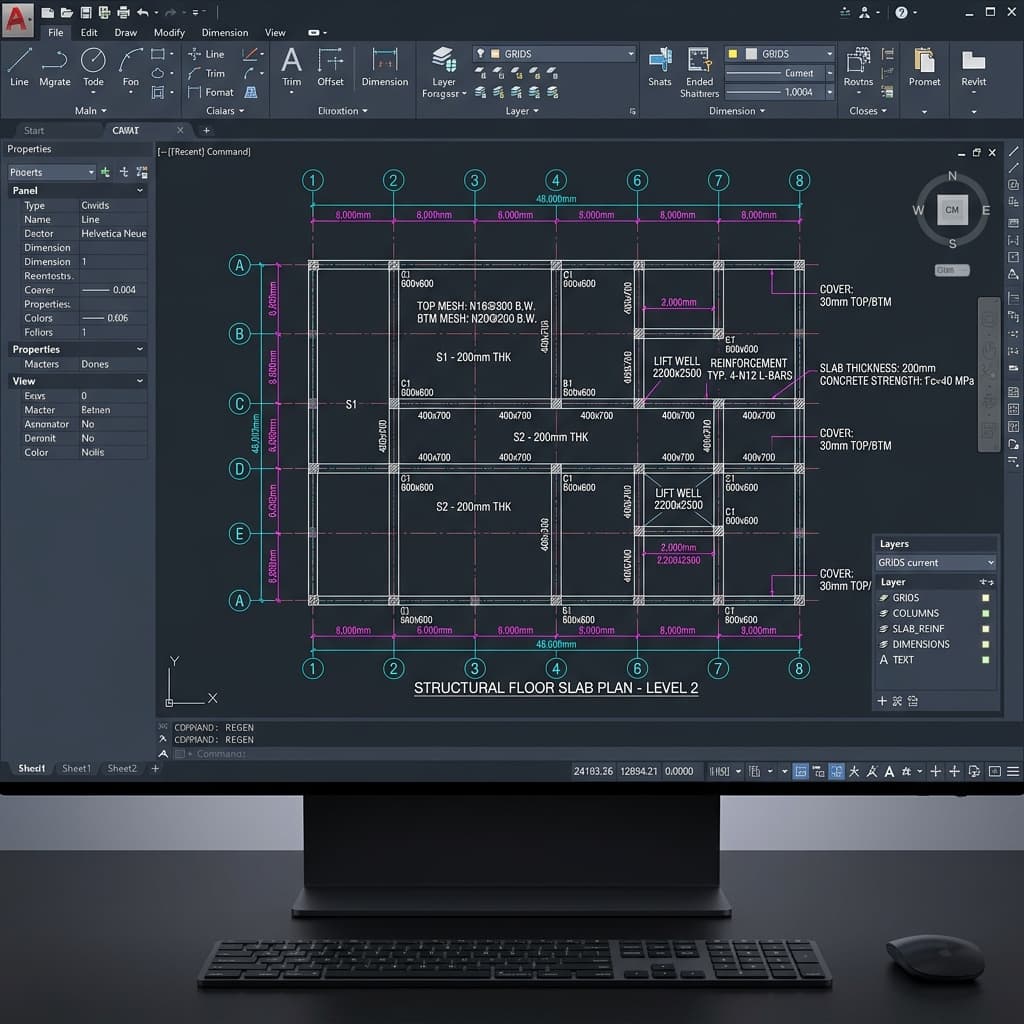
How to Use Concolabs BOQ to AI Takeoff for Faster Quantity Measurement

Concolabs Editorial
Concolabs Editor

Concolabs BOQ to AI Takeoff transforms the traditional measurement process by automating the detection and classification of quantities directly from construction drawings. This tool allows professionals to generate a review-ready Bill of Quantities (BOQ) while ensuring every measurement remains linked to its source, providing a clear audit trail for complex projects.
Key Takeaways
- Automate the detection and classification of construction quantities from 2D drawings.
- Maintain full traceability by linking every AI-generated measurement to its source drawing.
- Reduce manual data entry hours while keeping professional oversight of the final BOQ.
- Standardize the BOQ structure across different project types and teams.
How does Concolabs BOQ to AI Takeoff work?
Concolabs BOQ to AI Takeoff functions by processing uploaded construction drawings through an AI engine designed specifically for quantity surveying. The system identifies structural and architectural elements, classifies them based on industry standards, and calculates measurements. Users then review these outputs, which are structured into a format ready for cost estimation or tender documentation.
Can AI replace the need for professional quantity surveyor judgement?
No, AI cannot replace professional judgement. Concolabs BOQ to AI Takeoff acts as an assistant that handles repetitive measurement tasks. The software provides the initial data structure and quantity calculation, but a qualified quantity surveyor must verify the results, check for context-specific anomalies, and ensure the final BOQ aligns with project-specific requirements and contract conditions.
What is the primary benefit of using AI for takeoff tasks?
The primary benefit is the significant reduction in time spent on manual measurement and data entry. By automating the extraction of quantities, teams can focus their expertise on high-value activities like cost analysis, risk assessment, and value engineering. This shift allows for faster turnaround times on tenders without sacrificing the accuracy required for reliable cost planning.
How does the software ensure measurement traceability?
Traceability is built into the core of the Concolabs BOQ to AI Takeoff workflow. Every line item in the generated BOQ is digitally linked to the specific area of the source drawing from which it was derived. When a user clicks on a quantity, the system highlights the corresponding feature on the original document, making it easy to audit and verify the logic behind every measurement.
How can teams integrate this tool into existing workflows?
Teams can integrate this tool by replacing manual takeoff phases with the AI processing step. After uploading drawings, the team uses the Concolabs interface to review and refine the AI output. This structured data can then be exported into standard [INTERNAL-LINK: construction software formats -> /learnmore/boq-to-ai-takeoff] for final pricing and tender submission.
Pre-Review Checklist for AI-Generated BOQs
- Verify that all relevant drawing sheets were uploaded.
- Check that the scale is correctly identified by the software.
- Review the classification of major structural elements.
- Cross-reference sample measurements against manual verification.
- Ensure all exclusions or specific project annotations are noted.
- Confirm the final BOQ structure matches the required tender format.
Evidence required before publishing: Evidence required before publishing: Please provide a verified Concolabs screenshot showing the split-screen view of a drawing and the corresponding BOQ line item, or a signed-off case study from a QS firm using the product.
Frequently Asked Questions
Does Concolabs support all drawing formats?
Concolabs BOQ to AI Takeoff supports standard industry file formats for construction drawings. Please ensure your files are clear, high-resolution PDFs or CAD exports to allow the AI to accurately detect and classify the elements within the document.
Can I edit the quantities generated by the AI?
Yes, the system is designed for human-in-the-loop verification. You can manually adjust any measurement, add missing items, or reclassify elements identified by the AI. The system records these adjustments to maintain a transparent audit trail for your final BOQ.
Is my project data secure when using the platform?
Concolabs prioritizes data security for all users. Your drawings and BOQ data are stored in a secure environment, and we implement strict access controls to ensure that only authorized team members can view or edit project-specific information.
How long does it take to process a typical drawing set?
Processing time depends on the complexity and number of pages in the drawing set. Generally, the AI provides a structured output in a fraction of the time required for manual takeoff, allowing you to move directly to the review and verification stage.
What happens if the AI misidentifies an element?
If the AI misidentifies an element, you can easily correct the classification within the Concolabs interface. The system learns from these corrections over time, and the immediate benefit is that you retain full control to ensure the final BOQ is accurate before it leaves your office.
What should the reader do next?
Adopting Concolabs BOQ to AI Takeoff allows firms to modernize their measurement processes while keeping professional oversight at the center of the workflow. By automating the heavy lifting, you can improve efficiency and accuracy across your projects. To see how this fits your specific needs, visit our [learnmore/boq-to-ai-takeoff].
Review the workflow with the Concolabs team, confirm the required inputs and professional review points, then explore BOQ to AI Takeoff.